How to uninstall Edge browser

There are many reasons to dislike the Edge browser
Here are the solutions and steps for you to uninstall the Edge browser
Run Windows PowerShell as Administrator
Enter the Edge browser directory
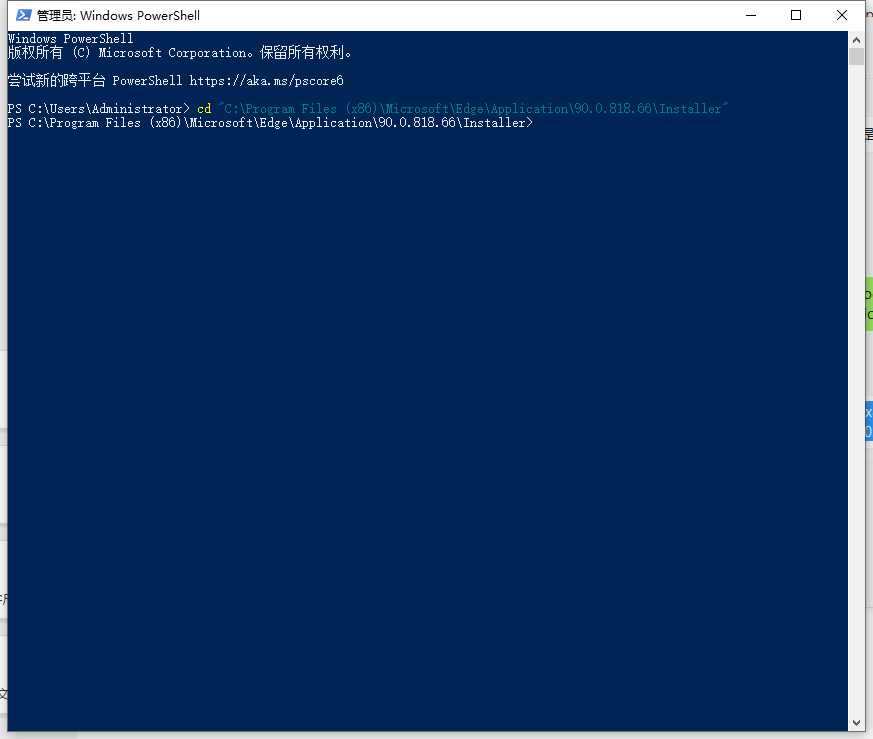
cd "C:\Program Files (x86)\Microsoft\Edge\Application\90.0.818.66\Installer"Everyone’s version is different. If the prompt path does not exist, please check the actual directory of the Edge browser on your computer.
Execute uninstall command
.\setup.exe --uninstall --system-level --verbose-logging --force-uninstallIt is recommended to restart the computer once to complete the uninstallation.