How to solve the kisboot.sys blue screen
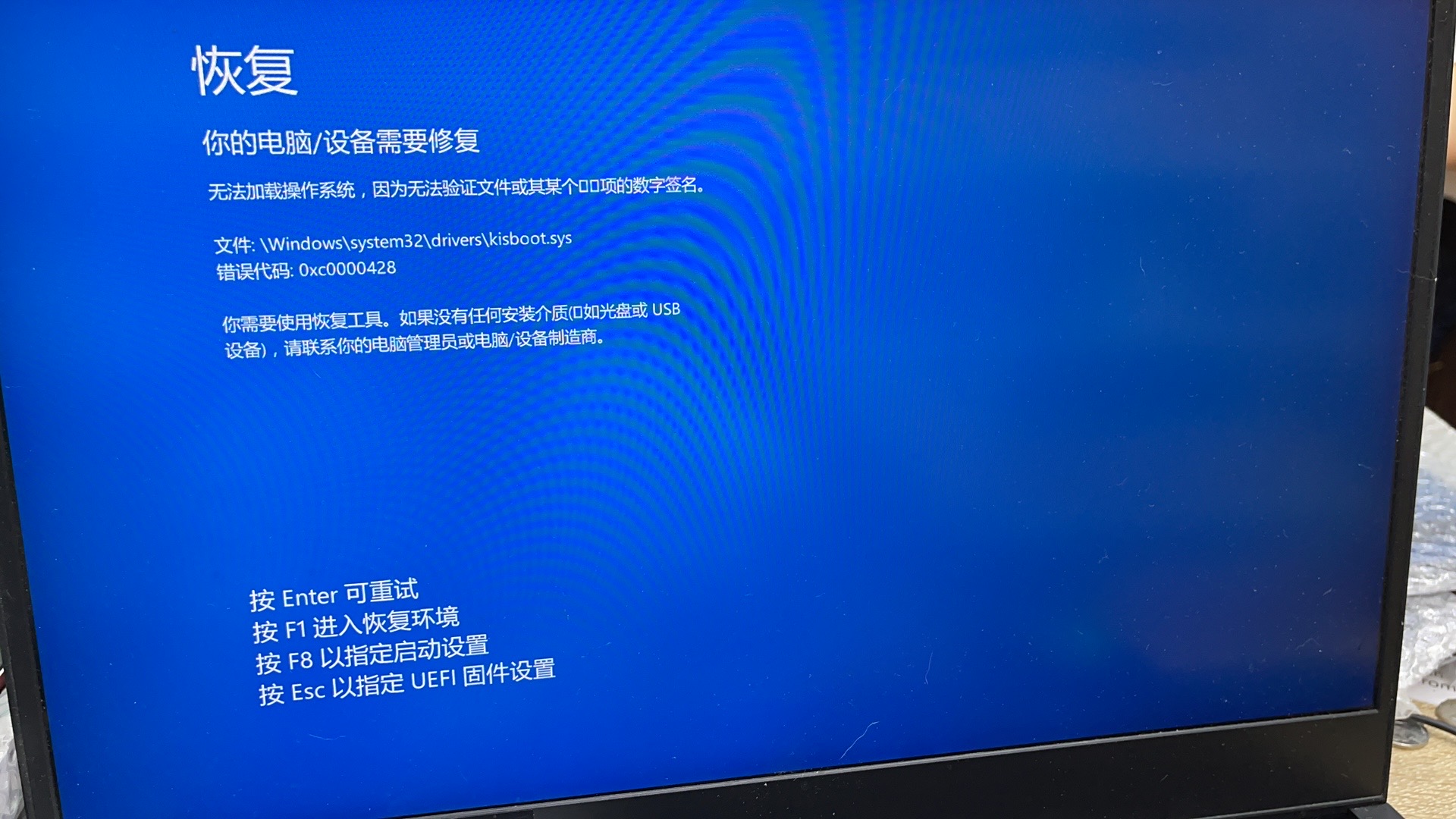
Fault phenomenon:
The computer cannot enter the operating system Blue screen prompts that the digital signature of the file or one of its xxx items cannot be verified File: C:\windows\system32\drivers\kisboot.sys Error code: 0xc0000428
Can’t enter safe mode
Solution
Use the Windows PE system of USB flash drive to delete the computer operating system
C:\windoiws\system32\drivers\kisboot.sys file ** in the directory can be restarted **
** Reference reading: ** https://www.fujieace.com/computer-practical/kisboot-sys.html