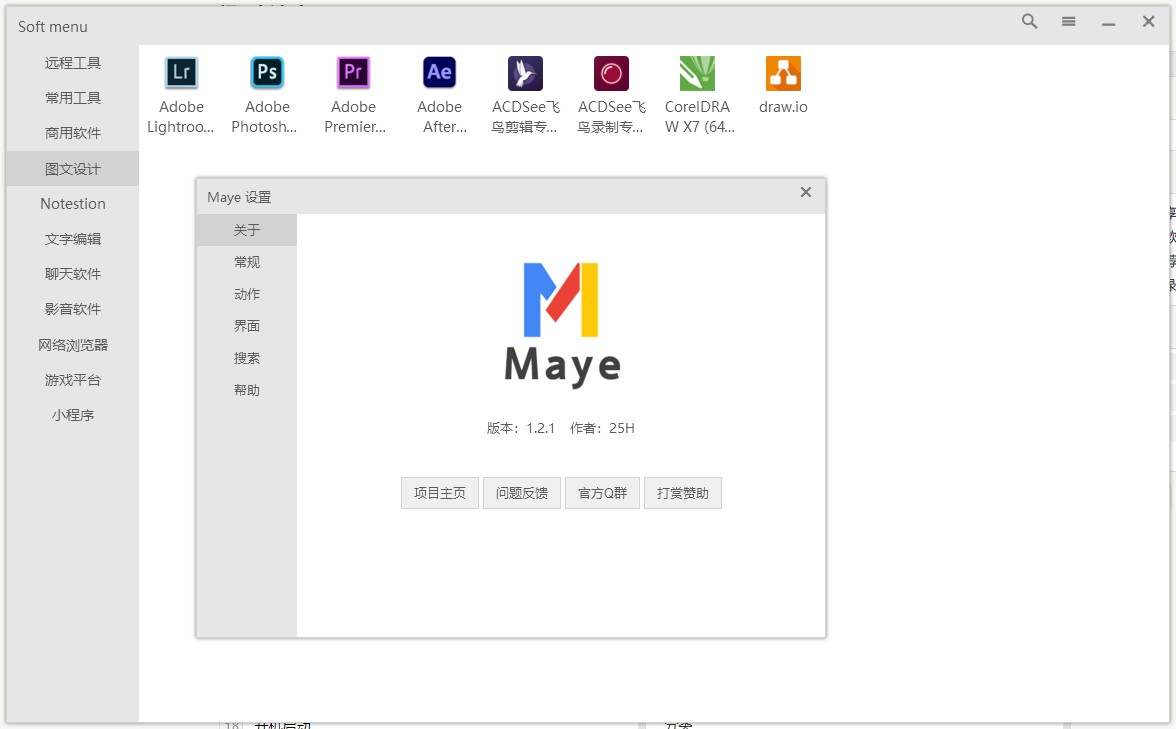
Maye is a small, easy-to-use quick start tool. Despite its small size, its functions are still very diverse, such as: drag and drop to add multiple files to start, call out shortcut keys, automatic multi-column display, lnk file parsing, etc. The software does not have complicated functions and does not generate any junk files during operation. It is green and pollution-free. It only focuses on the quick startup of files. It is a good helper for users to improve their Windows operating experience.
Function
Drag and drop to add multiple files to start Shortcut key to call out Shortcut keys to run the project List wheel scrolling Automatic multi-column display Shortcut editing lnk, url file parsing Parameter variables, environment variables Start up Classification sort Drag and drop items across groups Custom layout Custom theme Custom zoom
run
parameter variable Maye supports Win environment variables at the same time and has built-in 2 parameter variables (the variable tail does not include \), covering the scope: directory, starting location, startup parameters.
Variable name Description Supported version The directory where %mp% is located 1.0.2+ The root directory of the disk where %mr% is located 1.0.2+
search command
Command header description supported version
[>] Execute terminal commands, such as: >ping arae.cc 1.0.5+ [<] Call to run, such as: <c:/ Open c drive 1.1.4+
[s ] Available search list 1.1.4+ [bd ] Search via Baidu 1.1.4+ [b ] Search via Bing 1.1.4+ [g ] Search via Google 1.1.4+ [d ] Search 1.1.4+ via DuckDuckGo
ps: After the main window is displayed, you can enter directly without manually opening the search page.
Official website && download address
Official website: https://blog.arae.cc/post/25830.html
Third Party Download-1: https://github.com/25H/Maya/releases/latest
Third Party Download-2: https://wwa.lanzous.com/b0bqwqjvg
Third Party Download-3: https://share.weiyun.com/1tjpvaTo
Original link: https://www.v2ex.com/t/758164