Scenario requirements
The Frp client normally runs in the cmd interface. Easily closed accidentally by the client Unsightly Now run it as a service in the background through Nssm
Download NSSM
Install NSSM
Unzip nssm-2.24-101-g897c7ad.zip, which is divided into two folders: win32 and win64.
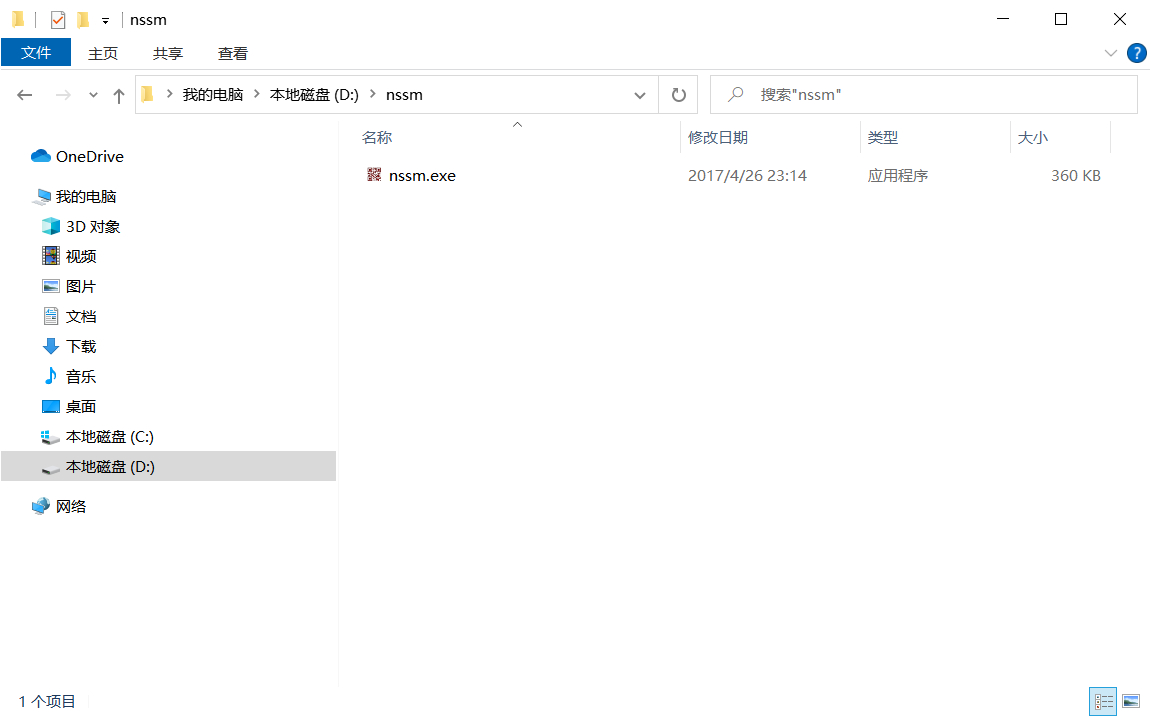
According to the judgment of the system, Windows 10 x64 is used as a demonstration here to copy the folder win64 to the root directory of the D drive.
And rename the folder win64 to nssm. The directory structure at this time is as follows:
Install frpc service through nssm
Open the cmd (command prompt) window in administrator mode and enter the following command:
D:\nssm\nssm.exe install Frp C:\frp\frpc.exe
D:\nssm\nssm.exe set Frp AppDirectory C:\frp
D:\nssm\nssm.exe set Frp AppParameters -c frp.ini
D:\nssm\nssm.exe set Frp  Description "这个是Frp内网穿透客户端"
Then you can see the service you created in Windows Service Management Try starting it
Reference:
NSSM - the Non-Sucking Service Manager
https://nssm.cc/commands
Easily create custom services in Windows systems https://teddysun.com/595.html