SoftEther is an open source VPN project developed by the University of Tsukuba, Japan.
You can freely use it to set up a virtual LAN for your home or company.
It has multi-platform servers and clients, and a convenient and simple operation interface, which has been loved by many people. Next, let’s learn how to do it with me.
Introduction to SoftEther
https://www.softether.org/9-about
SoftEherDownload
https://www.softether.org/5-download
Server environment
Ubuntu 16.4.1 & Centos 7.6
Operation steps
Connect to the Linux server through an SSH client and update and download the gcc tool
sudo apt-get update
sudo apt-get install build-essential
Download the SoftEther server to the Linux server (a scientific Internet environment is required, download the corresponding version according to your system version)
wget https://www.softether-download.com/files/softether/v4.34-9745-rtm-2020.04.05-tree/Linux/SoftEther_VPN_Server/64bit_-_Intel_x64_or_AMD64/softether-vpnserver-v4.34-9745-rtm-2020.04.05-linux-x64-64bit.tar.gzUnzip the SoftEther server
tar -zxvf softether-vpnserver-v4.34-9745-rtm-2020.04.05-linux-x64-64bit.tar.gzEnter the VPNserver directory and perform make (there will be 3 questions asked after make. Just press 1 and enter if you agree)
cd vpnserver
make
Start VPNServer in the vpnserver directory
./vpnserver start #启动服务
./vpnserver stop  #停止服务
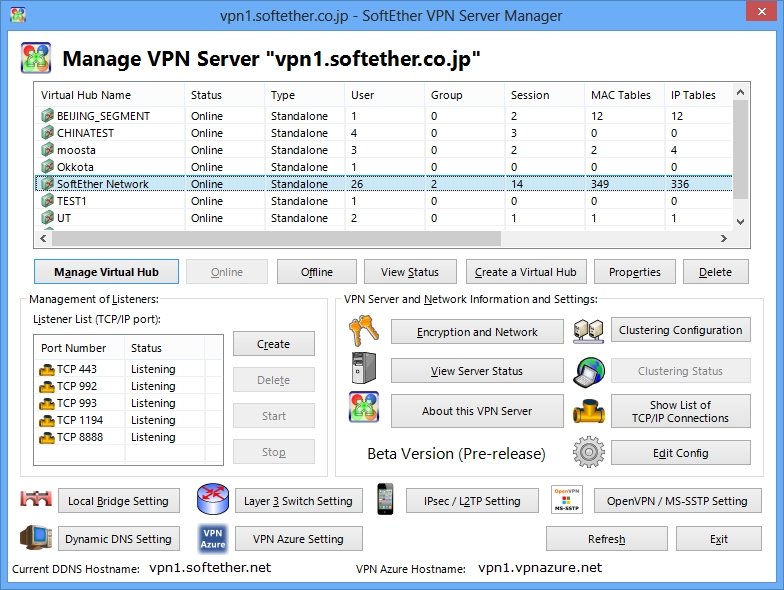
启动服务之后可以直接通过Softher管理工具进行连接管理和初始化配置了。 这里就不一一介绍了。此笔记只记录服务端配置。
Set up ubuntu to start at boot (edit the rc.local directory and add vpnserver startup into it)
vi /etc/rc.local
/home/ubuntu/vpnserver/vpnserver start     #exit 0 之前写入
Centos 7.6 settings boot 请参阅此文章
https://www.itiohub.com/log/centos6run.html
In this way, the server configuration is completed. Next, you can configure and manage it through the SoftEther management tool according to your own needs.
Reference article:
https://dmesg.app/softether-vpnserver.html
https://www.softether.org/