How to set up automatic login in Windows 10
Some users cannot set up automatic login after installing win10 2004 system. I found that the option [To use this computer, users must enter a username and password] is missing.
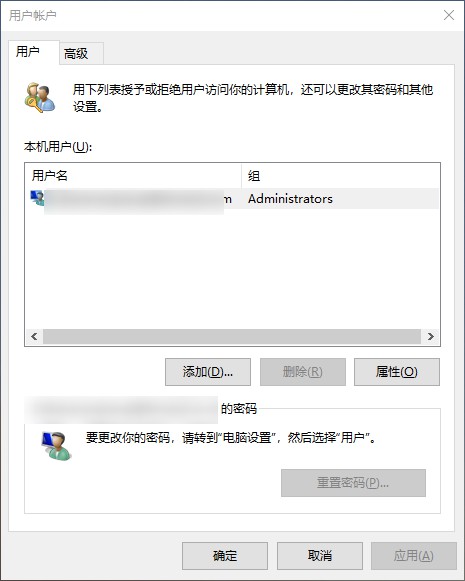
Now I will teach you how to set up automatic login.
Press Win+R and enter regedit to enter registry editing
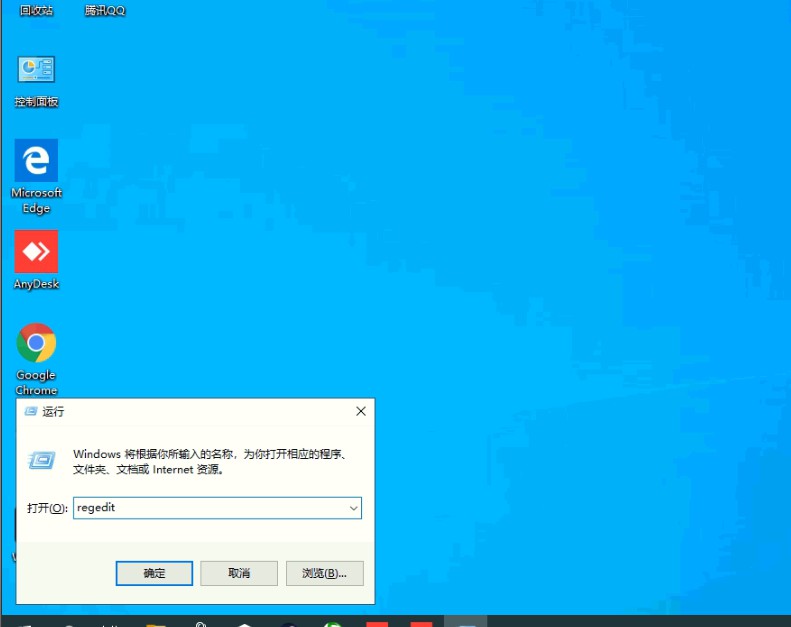
find key value
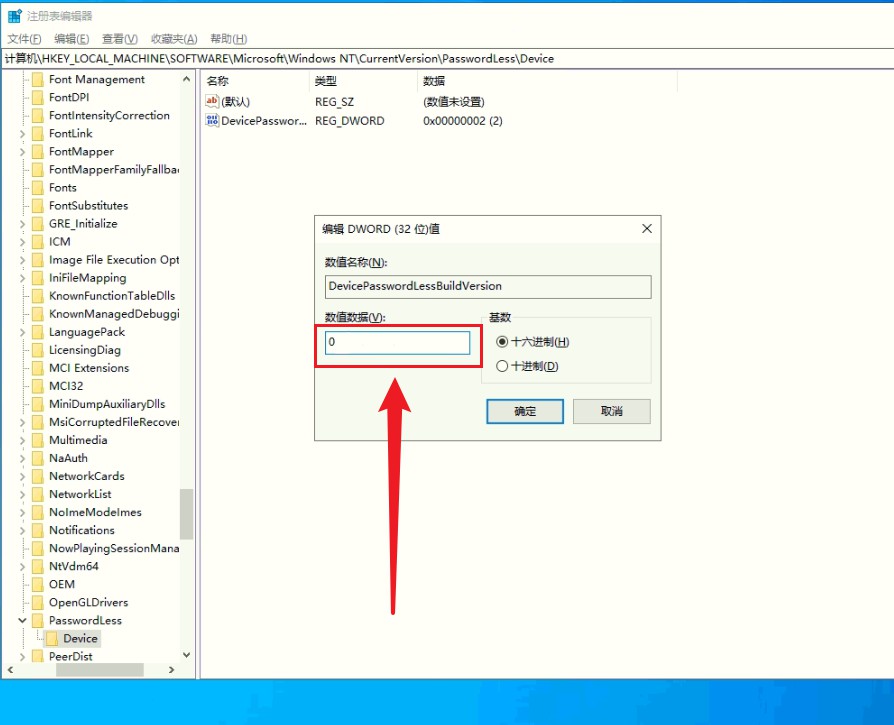
HKEY_LOCAL_MACHINE\SOFTWARE\Microsoft\Windows NT\CurrentVersion\PasswordLess\DeviceFind the right side again, , double-click DevicePasswordLessBuildVersion and change the value to 0. OK!
Press Win+R again and enter netplwiz. Uncheck [To use this computer, users must enter a username and password].
After restarting, you can log in automatically!