Origin
- Display is 4K
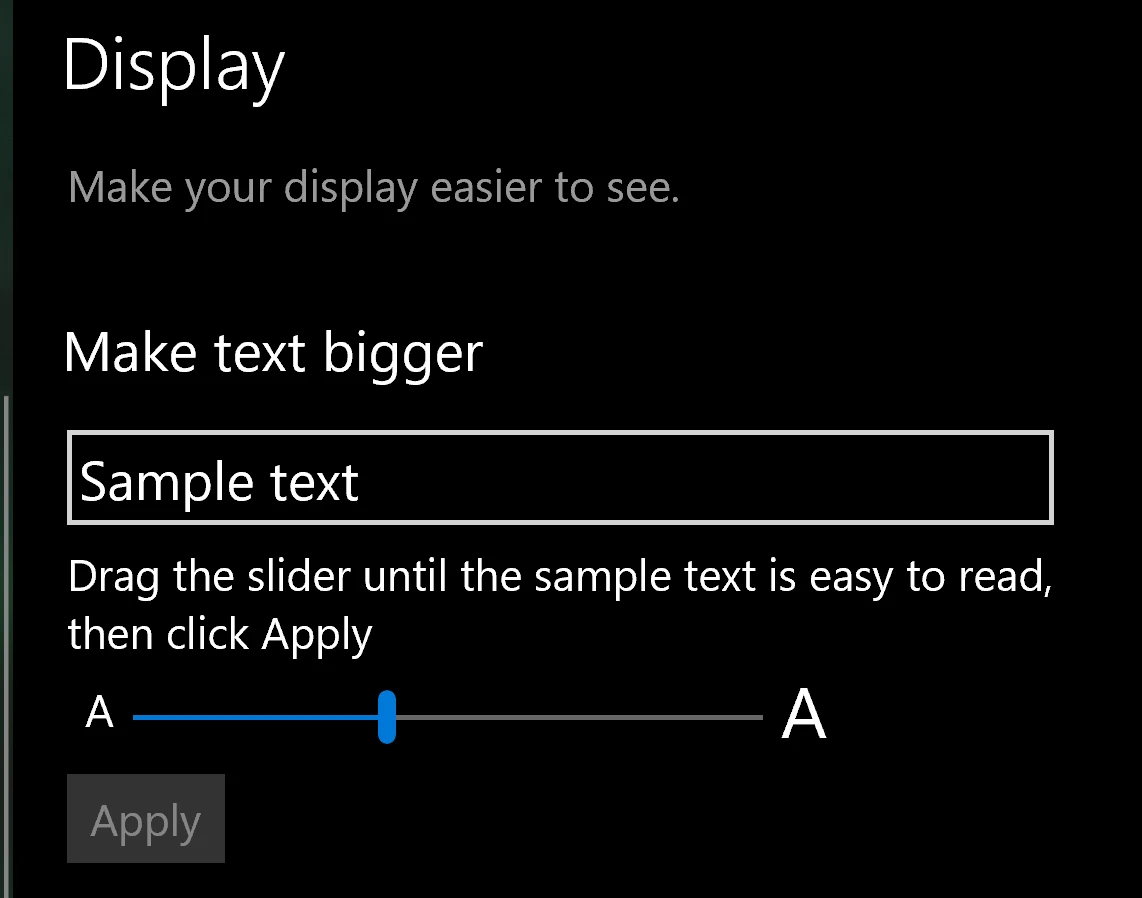
- Adjusted “Make text bigger” value to 150%
Windows scaling bug
Windows operating systems have always had some issues with scaling on high-resolution displays. After changing “Make text bigger”, it will affect the selection box of desktop icons, as follows:
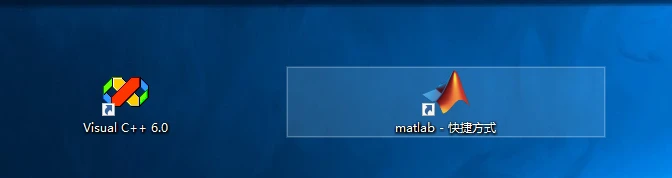
Picture from Microsoft Community.
Since I’ve changed the registry, the previous bug didn’t take a screenshot, so use the community image as an example.
Solution
Modify registry
Registry location:
HKEY_CURRENT_USER\Control Panel\Desktop\WindowMetrics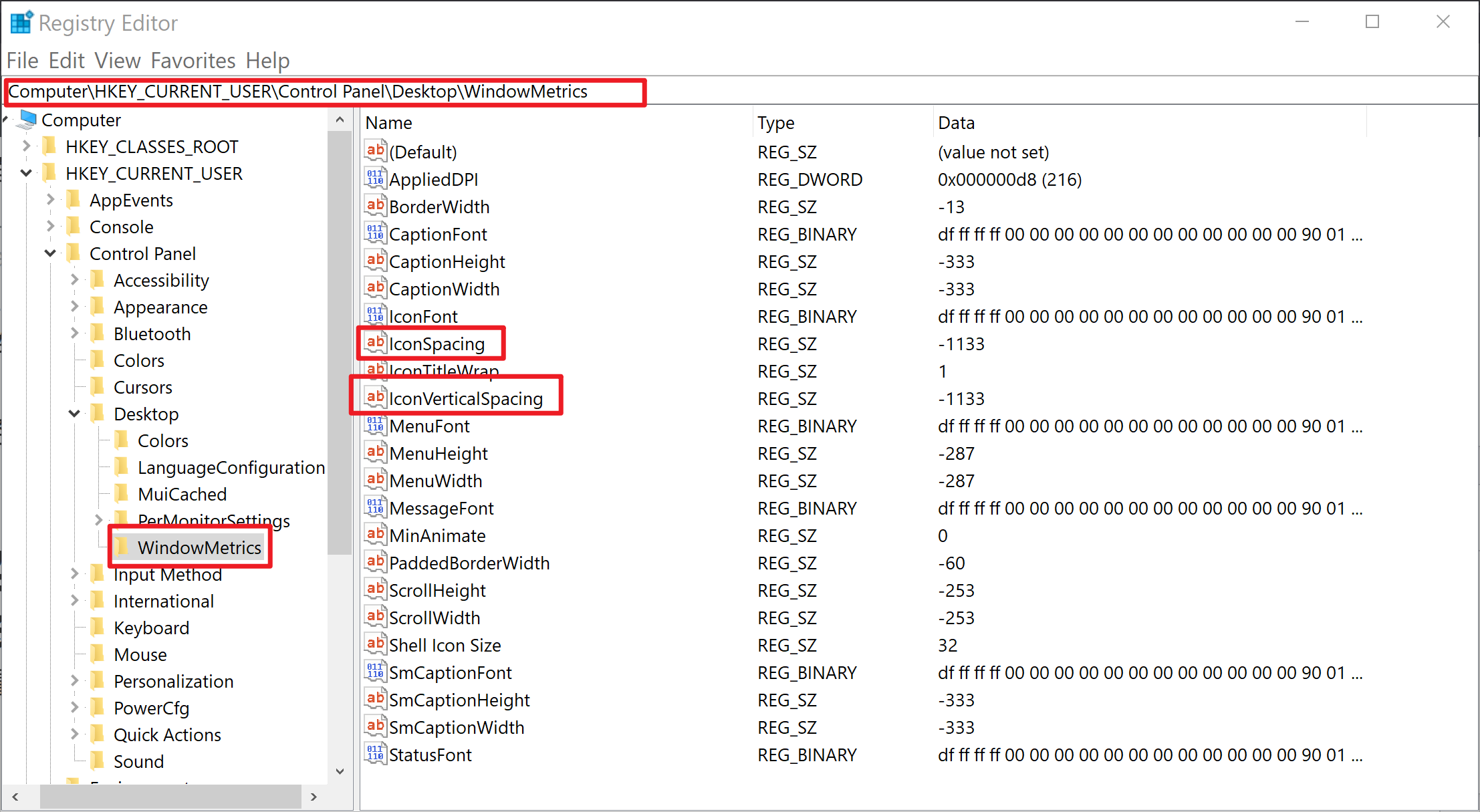
- Modify the values of
IconSpacingandIconVerticalSpacingto-1125 - When a bug occurs, these two values are usually around
5500, so the selection box will be very wide - Restart the computer after modification